Quiet
Less wandering and fewer prompts.
DigxiPal turns a photo of your cat or dog into a little companion for your Mac or Windows computer. It walks, naps and plays beside your work, and responds when you pat it, play or pick it up.
The demo shows pets larger and more active than they are by default. In the app, you can adjust both pet size and companion style.
Wendy and Luna were each created from a real pet photo—the same starting point we use when making a custom desktop pet.
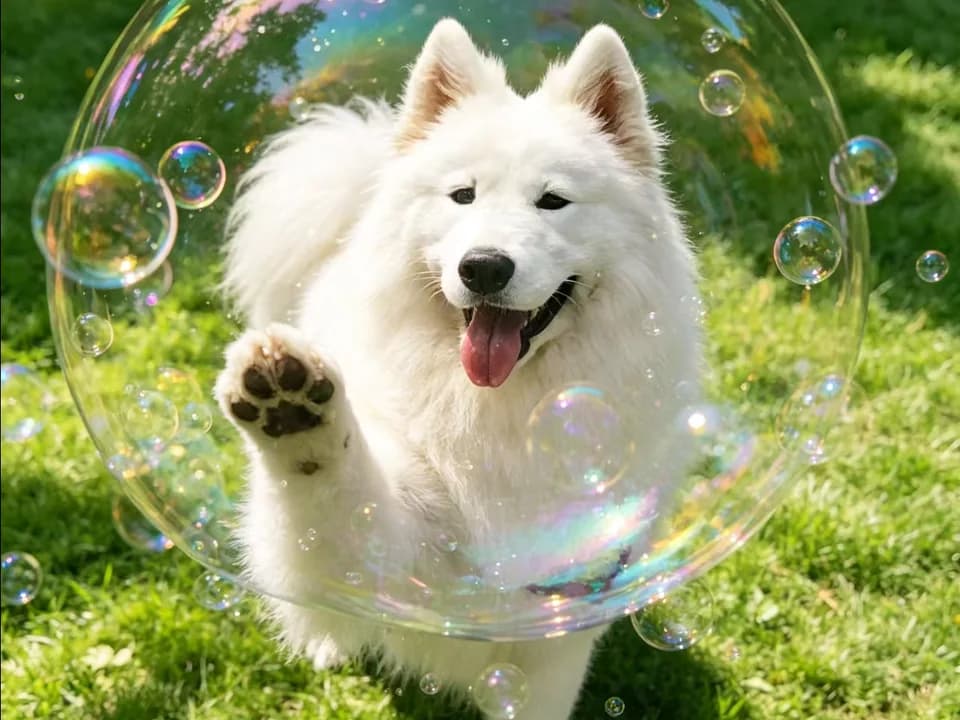
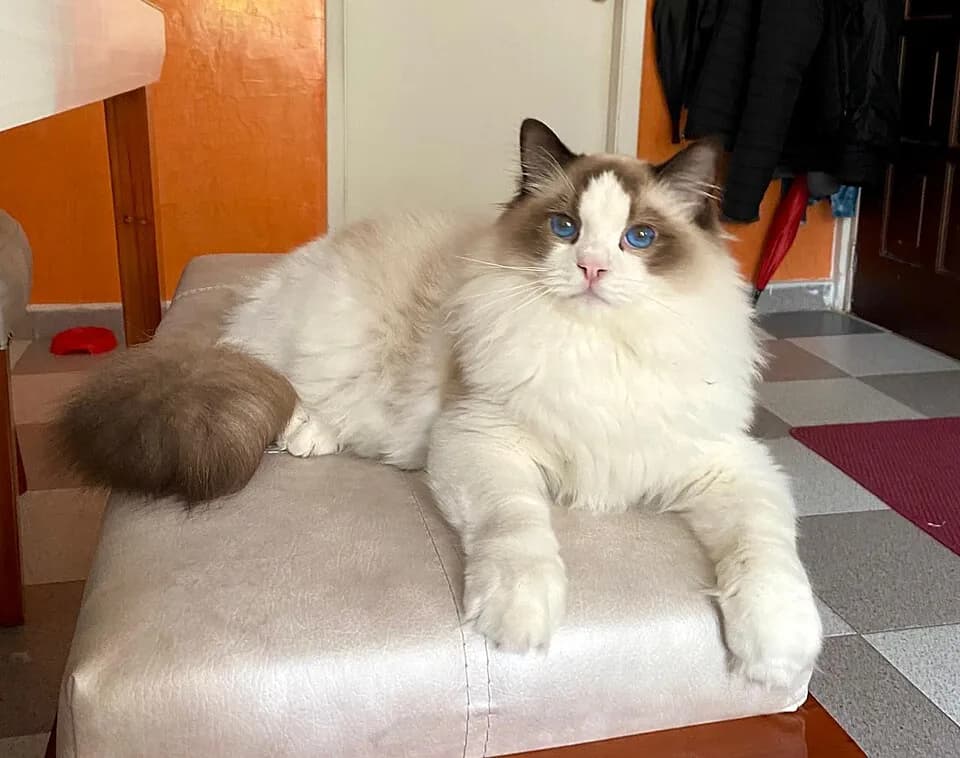
Each pet looks around, stretches, walks, eats, plays and naps on its own, then answers you: it leans into a head pat, bursts into zoomies and wriggles when you pick it up.
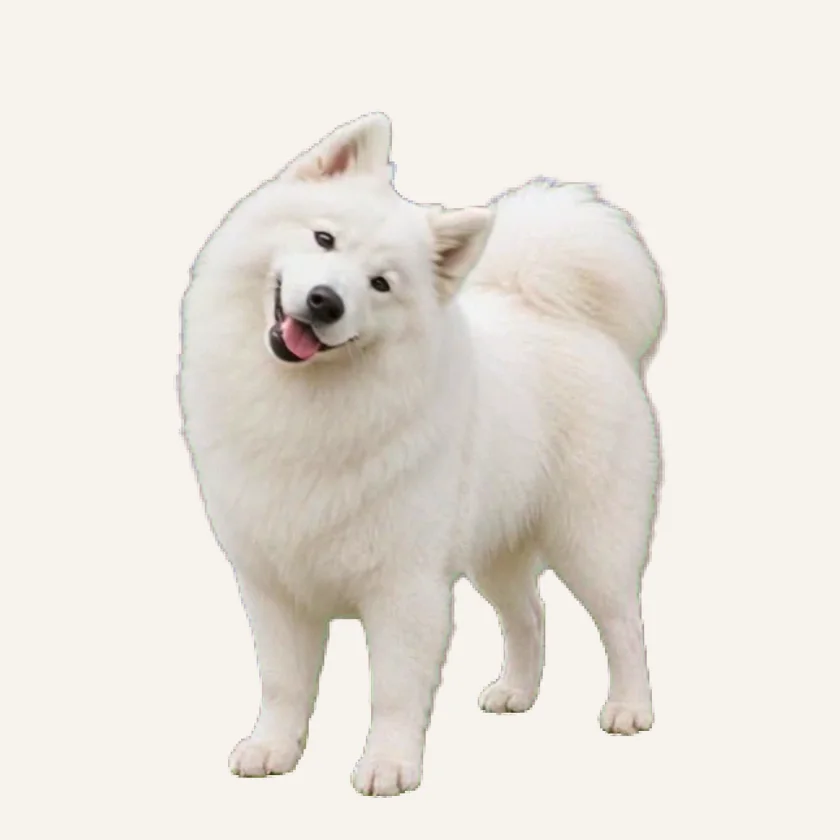
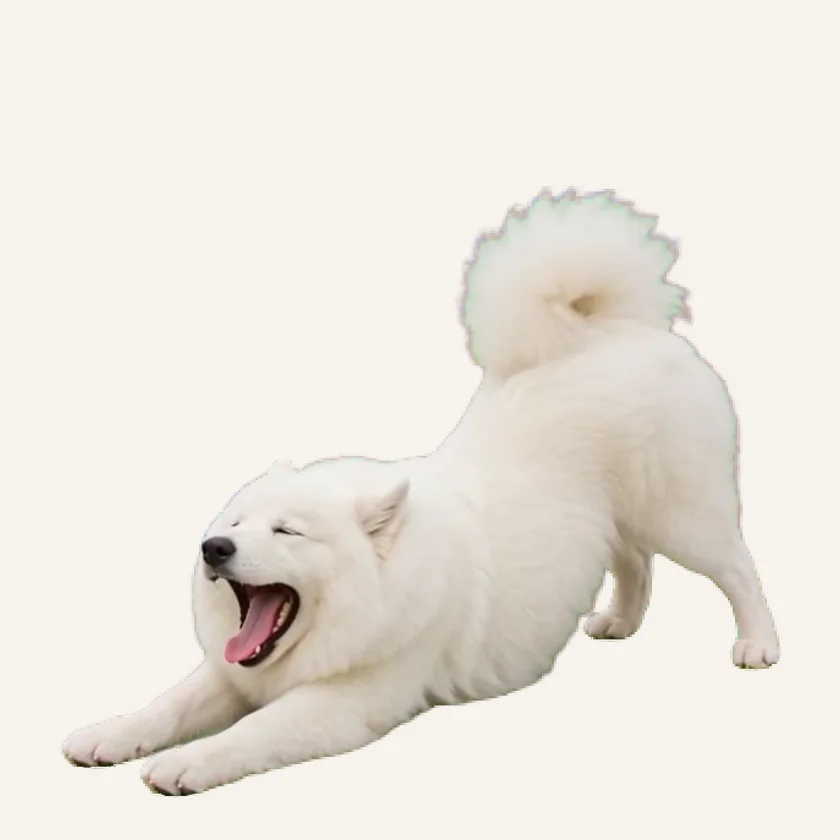
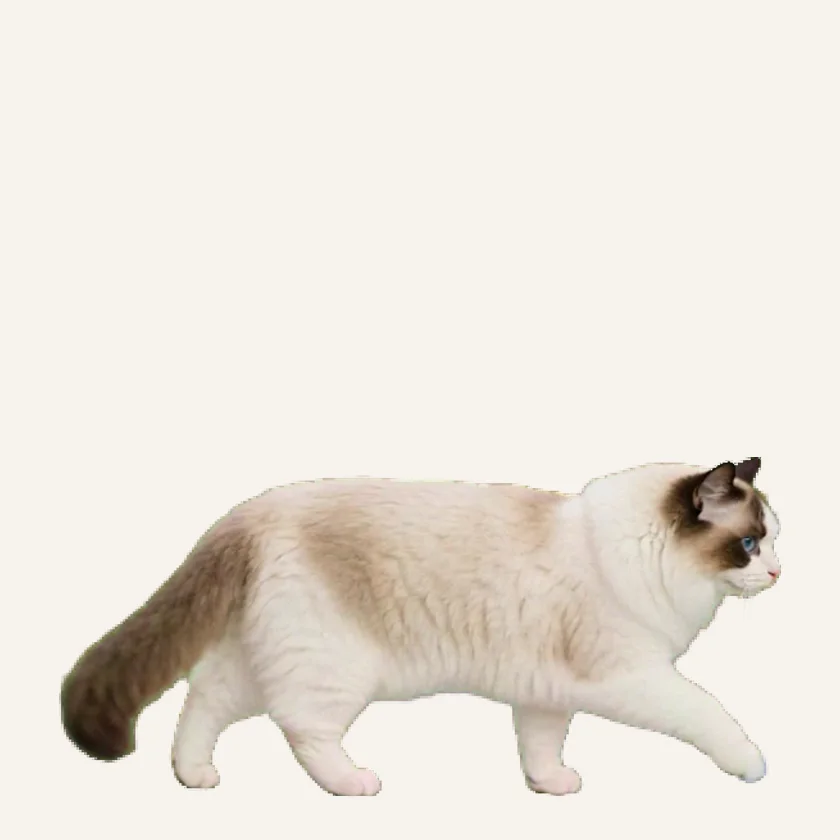
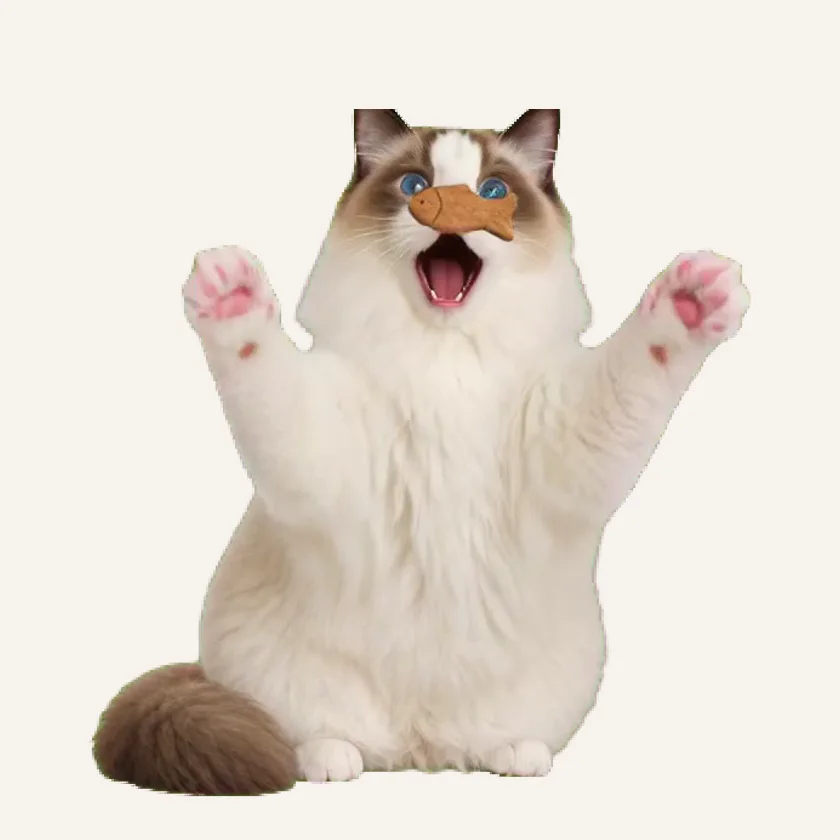
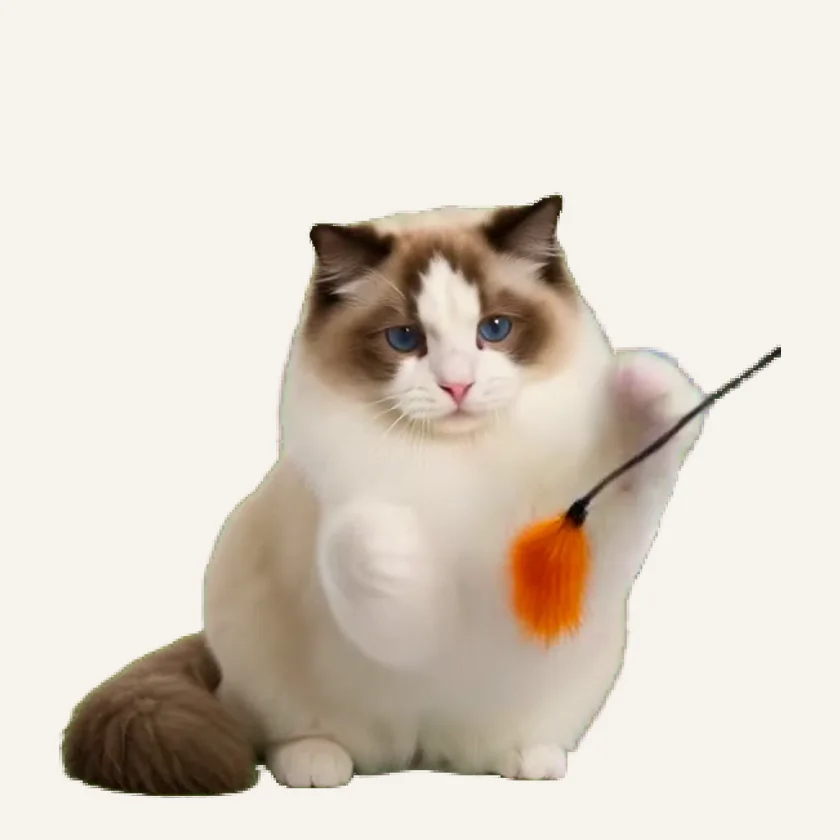
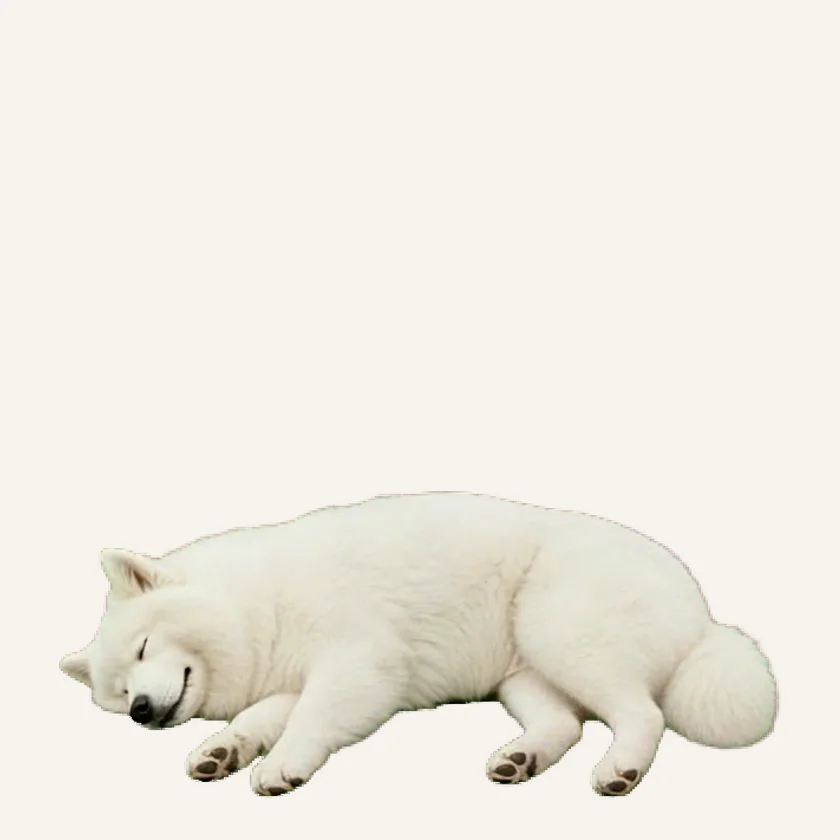
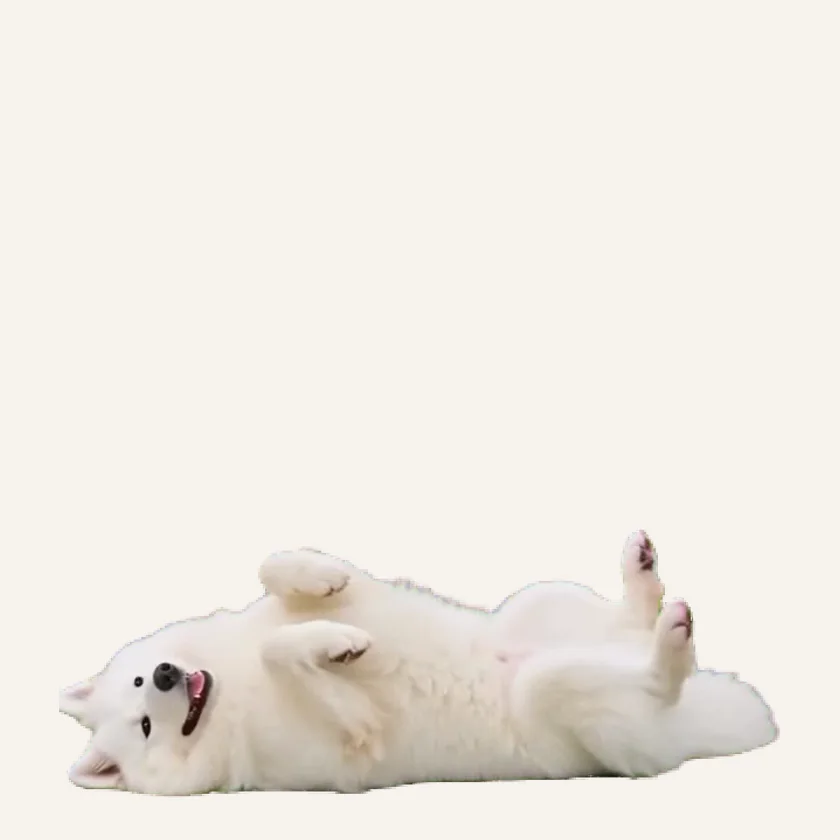
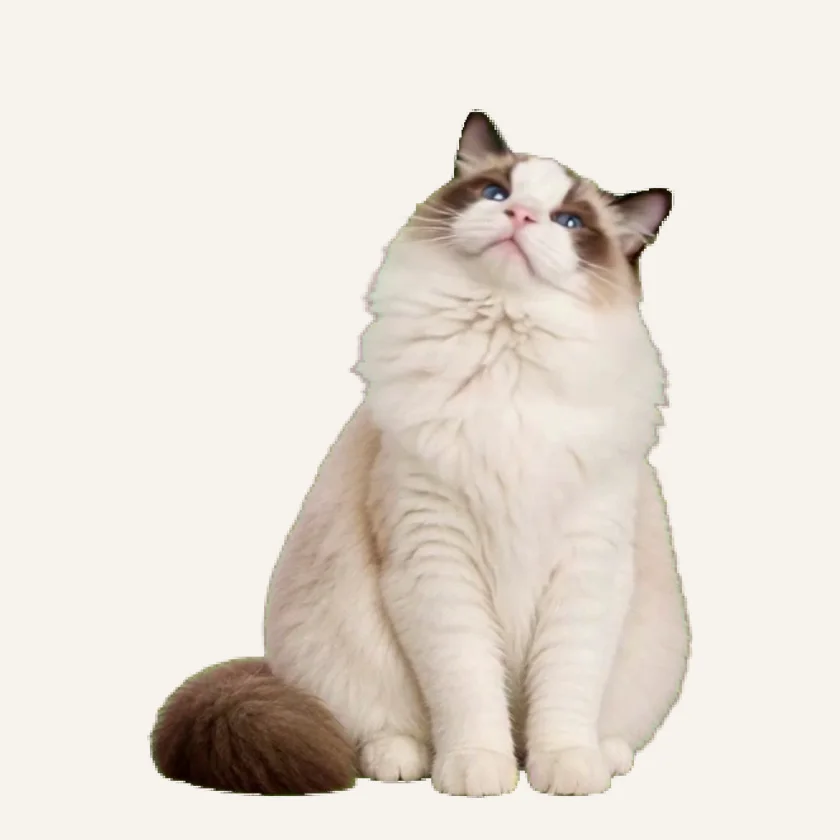
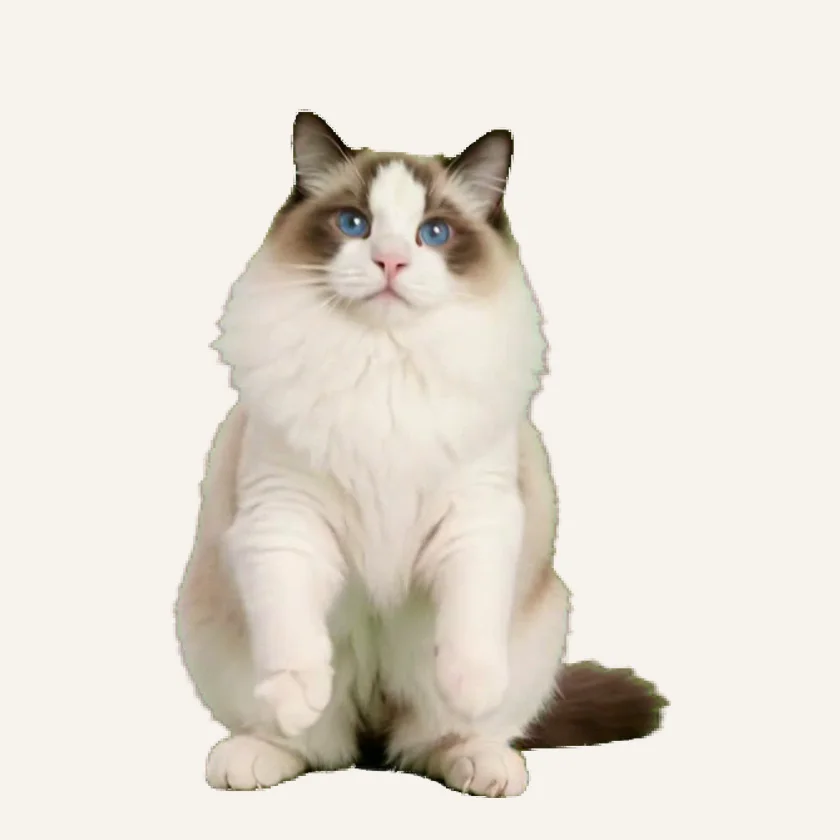
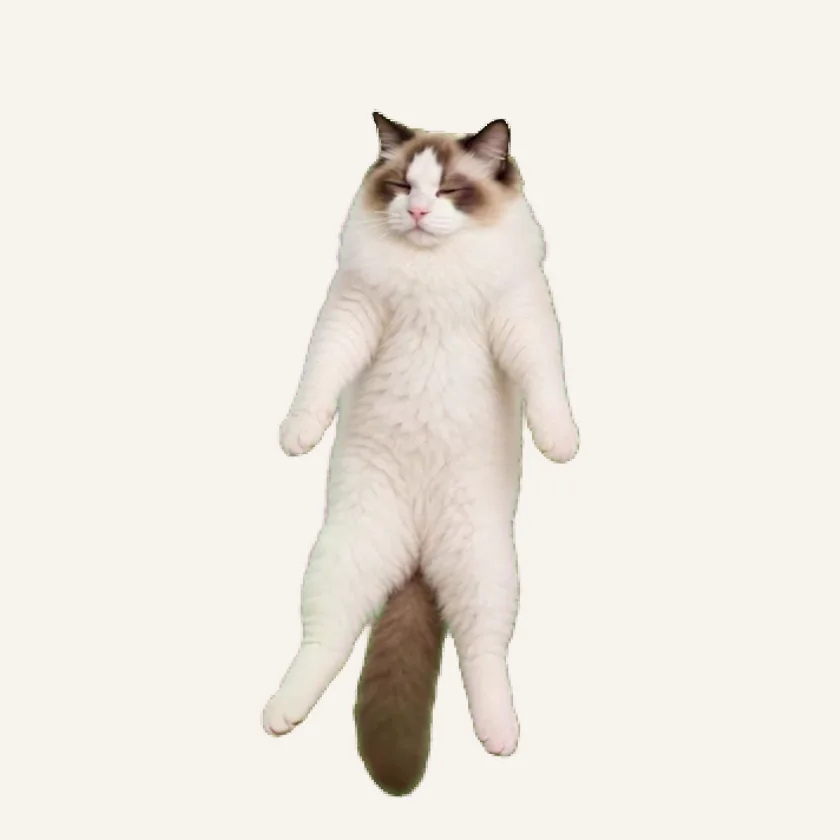
Every movement flows naturally into the next, from a sleepy stretch to a playful turn. Your companion feels alive from moment to moment, without abrupt jumps between actions.
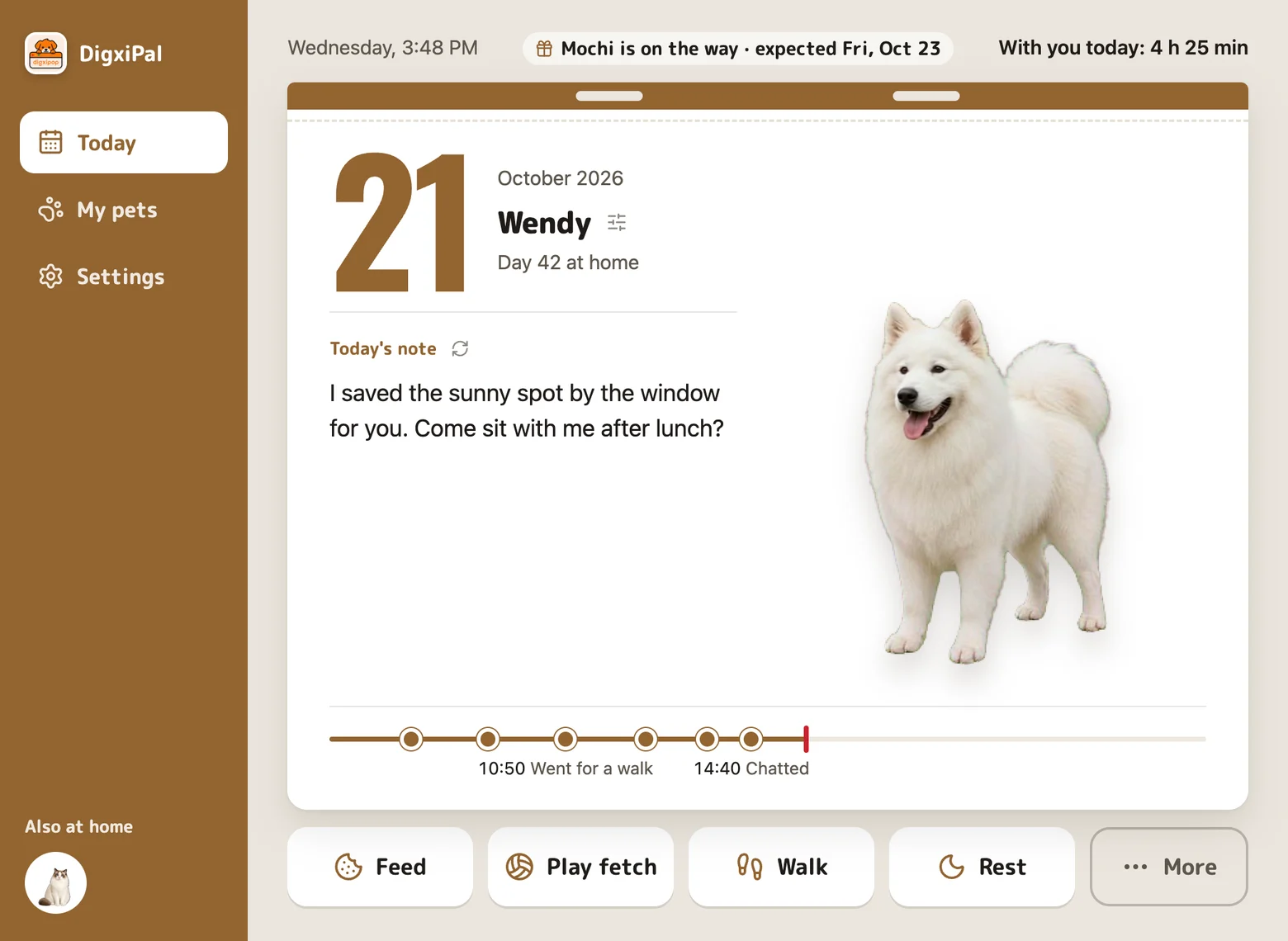
Open the app to today’s page: the date, how long you’ve spent together, and what your pet has been up to.
A short note in your pet’s voice, new each day. For your own pet, it draws on the personality you describe.
Treats, play and walks land on a gentle timeline.
Big buttons to feed, play, walk or let your pet rest.
Describe its personality, then choose its size, companion style, speech bubbles and page color.
Less wandering and fewer prompts.
A balanced mix of movement, rest and interaction.
More activity and invitations to play.
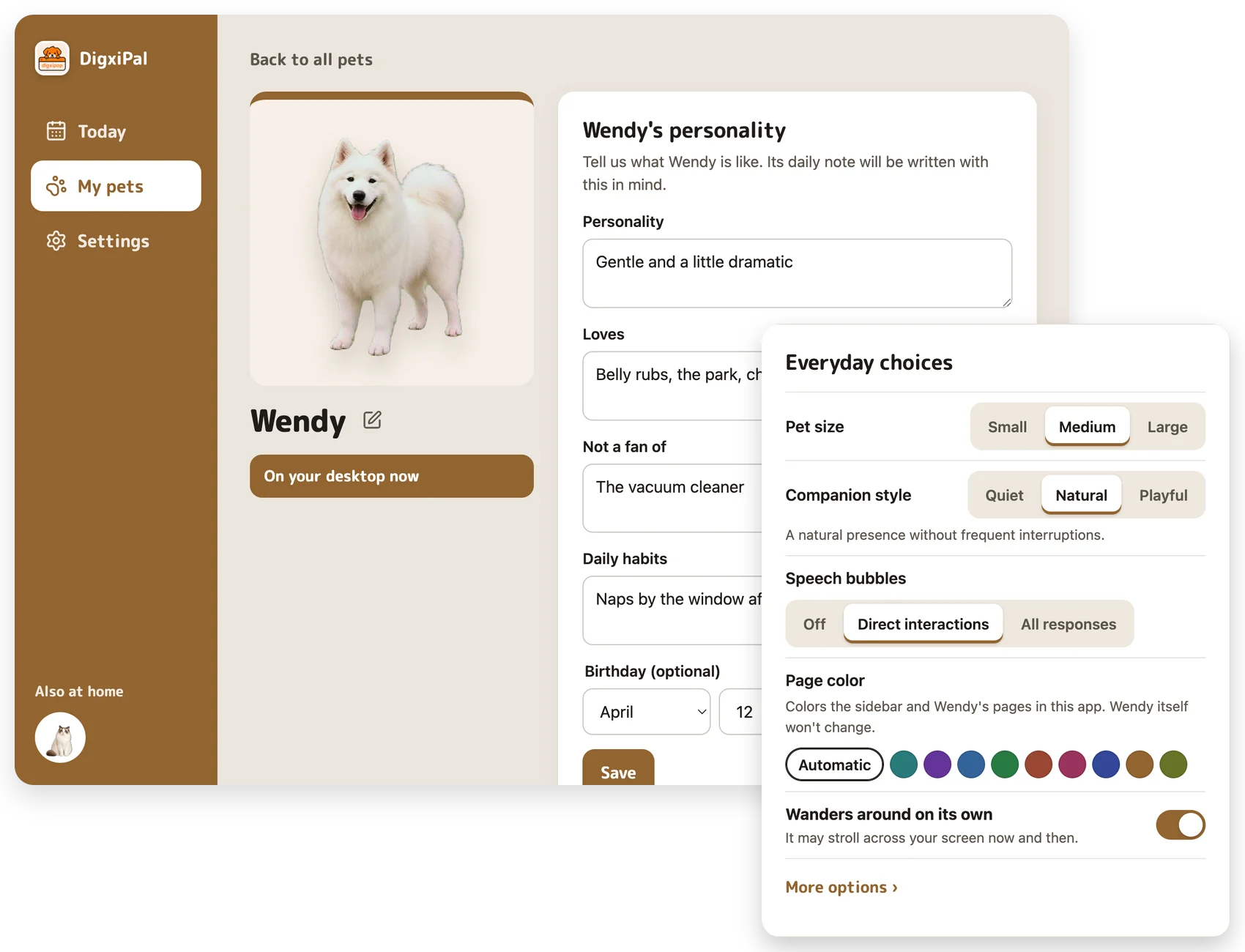
Drag your pet to a comfortable spot and choose from three sizes.
Hide your pet or pause its wandering and prompts while you focus.
Installed pets keep running without an internet connection.
Keep several pets and switch which one is active.
Share a pet with up to 2 people by email.
Sign in on another Mac or Windows PC and your pets are there.
Install the free DigxiPal app on your computer and open it.
Browse the sample library and download as many as you like. Every sample pet is free.
Switch the active pet anytime and try each pet’s interactions and settings.
Turn a photo of your cat or dog into a custom desktop pet. Order here or right in the app, then follow along while it’s made. When it’s ready, it appears in the app for the account you ordered with.
Customize my desktop pet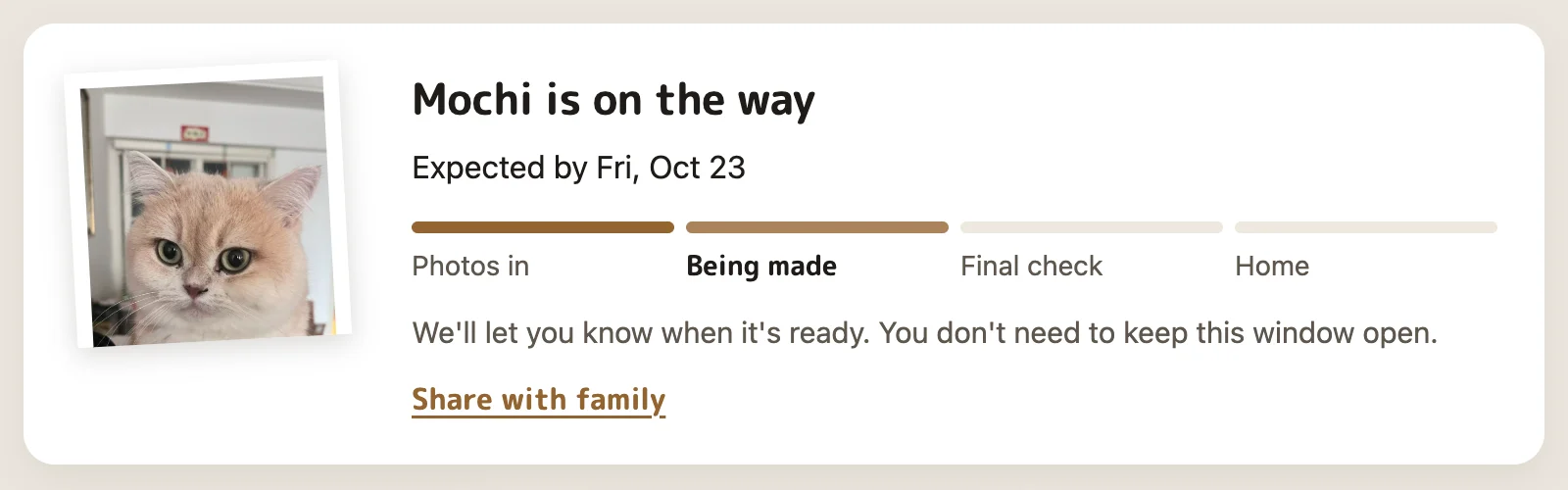
Choose cat or dog, add photos and your pet’s name. You can also order in the app under Add a pet.
The app shows each step and the expected date, and we email you when your pet is ready.
Open the app and sign in with your order email. Your pet arrives on its own, on any computer you sign in to.
It is an animated cat or dog that stays alongside your open apps. It can walk, rest, play and respond to direct interactions without taking over your desktop.